Buying a Used Kindle: How Tolino and Kobo Compare
 13 min read
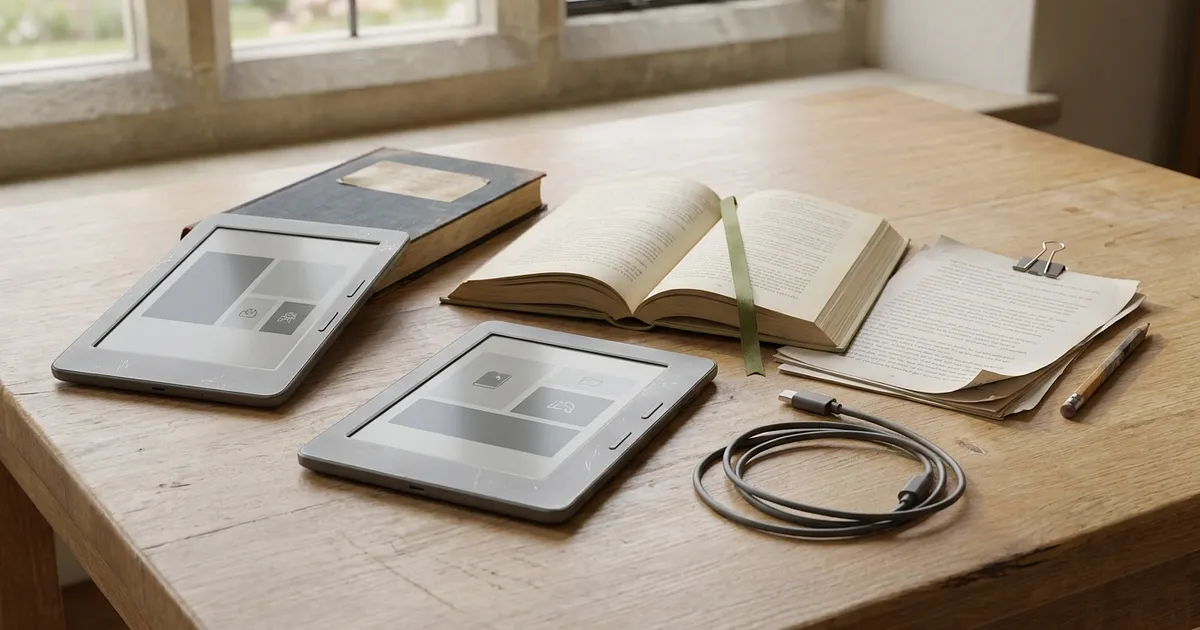
Buying a used Kindle should begin with your books, not the price or a spotless case. Where did you buy them? Do you borrow from a public library, keep unprotected EPUB files, or already own an Amazon library? A cheap reader is no bargain when it can't open the books you actually read. Once you can access them, model generation, screen, battery and condition matter.
Start with the books you already have
An e-reader is a door into a library. That library might sit in an Amazon account, consist of DRM-free EPUBs or come from a public lending service. All of those are called e-books, yet they don't travel to a device in the same way.
Used listings tend to skip that awkward part. “Supports EPUB” doesn't tell you whether a protected file will open. An Onleihe logo doesn't prove that every older generation still follows today's borrowing process either.
Buying a used Kindle for an existing Amazon library
If most of your purchases are in Amazon's store, a used Kindle is the obvious place to begin. The previous owner should remove their account before handover. Set up the reader with your own account and download a title you own. Books left on the device aren't a dependable bonus because access rights don't transfer with the plastic shell.
Personal EPUB files are a separate question. Amazon Send to Kindle lists EPUB as a supported upload format and gives the web uploader a 200 MB limit. The service sends the file into the Kindle system. That isn't a promise that a Kindle natively opens every EPUB or accepts another retailer's DRM. Renaming or uploading a protected library file doesn't make it compatible.
The useful check is simple. Sign in with your account, download one of your purchased books and, if it reflects your normal use, send a lawful DRM-free EPUB sample. A listing that says “Kindle works” hasn't proved much until those steps work.
Tolino and Germany's Onleihe depend on the generation
Readers who borrow from Germany's Onleihe often look at Tolino first. But “Tolino shine” isn't a complete model name. Tolino's current Onleihe instructions separate the fifth-generation shine, shine color and vision color from earlier devices. On these current models, Onleihe sits under “Mehr” (More). For the earlier devices covered by the instructions, Tolino describes browser access. Check the exact model with your library rather than treating that as a promise for every old reader.
The settings screen should identify the generation and installed software. A demonstration with your own library belongs in the handover checks. Tolino's Onleihe instructions say most current Onleihe titles use LCP with a four-character reader code entered once. A title protected another way may follow a different route.
Tolino's FAQ says Adobe Digital Editions has used a ByteBooks login since June 2026. Older instructions may mention only an Adobe ID. This doesn't prove that every older authorization instantly stopped. It does mean a live help page is safer than copying a click-by-click procedure from an old forum post.
Kobo handles several sources, but Libby integration is regional
Kobo can suit readers who obtain books lawfully from more than one source. For EPUB and PDF files protected by DRM (digital rights management), Kobo still documents a workflow involving a computer, data cable and Adobe Digital Editions. Its current ADE support page now tells users to sign in with a ByteBooks ID. Kobo recommends using the same email address as the previous Adobe account for the ByteBooks login. Its help says existing authorizations can continue until a new login is required. That guidance is not a guarantee for every file you own.
One regional catch deserves its own paragraph. Germany isn't included in Kobo's current list of countries for built-in Libby. That limits the integrated feature on the reader. It doesn't mean German libraries offer no digital lending, nor does it rule out every computer-assisted transfer.
So an OverDrive or Libby menu item isn't enough. Check your country, your library, the exact Kobo model and the file or lending method together.
Kindle, Tolino or Kobo by reading source
| Your main source of books | Likely direction | What to demonstrate on the used reader |
|---|---|---|
| Books purchased from Amazon | Kindle | Sign in with your own account and download a title you own |
| Personal DRM-free EPUB files | Tolino or Kobo, or Kindle through Send to Kindle | Open one of your own files through the transfer method you plan to use |
| Germany's Onleihe directly on the reader | An exact supported Tolino | Log in, borrow and open an eligible title from your library |
| ADE-compatible protected EPUB or PDF files | Often Kobo or Tolino, depending on model and source | Authorize, connect by data cable and open a real test loan |
| Built-in Libby borrowing | Kobo only in a supported region with a participating library | Verify region, library and menu function together |
This table isn't a blanket compatibility guarantee. Libraries, protection systems and device software change.
A related detail catches people out: an ACSM document usually isn't the finished book. It is a small authorization and download file used by compatible software. Copying the ACSM file alone doesn't prove the reading workflow works.
The exact generation matters more than the family name
Familiar product names hide multiple generations. “Kindle Paperwhite” and “Tolino shine” are incomplete descriptions on their own. Hardware features, connectors and software support may differ behind the same family label.
Before arranging a visit, ask for evidence you can inspect remotely:
the exact model, generation and installed software shown in settings
full-screen photos with text and light and dark test images
storage, charging connector, included accessories and written defects
seller identity and applicable return or handover terms
A home-screen photo doesn't show the condition of the whole display or establish which cable or stylus comes with it. Account setup and book transfers belong in the practical checks, beyond a seller's message saying they work.
Fifth-generation Tolino shine for novels and lending
According to Tolino's specifications for the fifth-generation shine, it has a 6-inch display at 300 ppi and 16 GB of storage. The Onleihe guide places this generation in its current-device group. For someone borrowing mostly novels, opening a loan from their own library is the relevant check.
Those catalogue figures say nothing about the particular unit for sale. Its display may still have pressure damage, while storage capacity tells you nothing about battery health or a dead touch zone. The model page documents features, not the condition of this unit.
Tolino vision color for illustrated books and notes
Tolino lists the vision color with a 7-inch display, 300 ppi for monochrome content, 150 ppi for colour and 32 GB of storage. Its compatible stylus is sold separately. Someone planning to read illustrated material or take notes should inspect a suitable file, page buttons, rotation and any stylus claimed to be included.
Colour E Ink isn't the same as a tablet display. And a pen shown in a listing photo isn't automatically part of the sale. Get the contents in writing.
Old Kindle and Kobo models need a present-day Wi-Fi test
Older listings often advertise mobile-network features such as “3G included.” Don't make a purchase decision around that line. We couldn't verify one reliable rule covering cellular support across all older generations. Today's practical questions are simpler. Does Wi-Fi connect? Can your account download a book? Is there an official software page for that exact model?
Inspect the screen, touch layer, light and ports
E Ink doesn't behave like an LCD. A brief trace of the previous page can be part of normal refreshing. Permanent lines, black patches, bright pressure marks and touch areas that never respond are different.
A sensible inspection uses several views:
text at small and large font sizes
a mostly light image, followed by a dark test page
taps near the edges and corners
page turns through touch and any physical buttons
The seller should also move the front light from low to high. If that model adjusts colour temperature, try the warm and cool ends. Uneven lighting isn't always visible in a daylight listing photo.
Condition labels such as “good” or “like new” only go so far. Our comparison of refurbished condition grades explains why retailers use the same words differently. A cosmetic grade doesn't certify book compatibility, screen quality or touch response.
A cable may charge without carrying data
Some USB cables deliver power but no data. If computer transfer is part of your routine, the reader should appear on a computer through a known data cable. Check whether the connector feels loose or charging cuts out with slight movement.
That test matters for a Kobo ADE workflow and for local transfers to Tolino. It remains useful for Kindle even if most of your books arrive wirelessly.
What about water resistance? Manufacturer ratings describe a model in its intended state. A fall, opened case or repair can change the equation, and the published rating doesn't prove that a used unit remains sealed. Dunking it during handover would be an impressively bad test.
Battery condition without a made-up percentage
A short handover can't measure an e-reader battery properly. Manufacturer claims framed in “weeks” depend on lighting, Wi-Fi, page turns and reading habits. A seller can show a full charge on the screen without proving much about remaining capacity.
Observable behaviour is more useful. The reader should charge cleanly, stay stable while navigating and downloading, and avoid unexplained restarts. Ask how long it sat unused, whether it has been opened and whether its battery was replaced. If there was a replacement, an invoice, repair-shop description and exact part carry more weight than “battery like new.”
Our guide to battery quality in refurbished devices provides wider context. Don't import a smartphone platform's percentage rule as a fixed e-reader threshold. The manufacturer sources checked for this guide provide no universal health percentage that every used reader can display.
A private sale with no return option leaves more uncertainty. A retailer with a clear condition statement and clear return terms may be a better choice even at a higher price. Our explanation of seller warranties and statutory consumer rights covers the legal distinction without pretending a voluntary warranty is the same thing.
Accounts, resets and books left on the device
A second-hand reader should arrive without another person's private data. The seller signs out and removes personal files; the buyer completes setup. You are purchasing hardware, not access to somebody else's account.
Kobo spells out what happens in its documentation. A factory reset of a Kobo eReader removes local books, sideloaded files and unsynced annotations, signs the account out and resets settings. It doesn't transfer the old owner's purchased rights to you.
We couldn't verify an equally accessible, current help page covering every older Kindle and account situation. The advice stays deliberately practical: have the seller remove their account, register yours and test your own download during the return period. A reset isn't proof that every account restriction or hardware fault has disappeared.
Before buying from a retailer, read the return terms rather than assuming the headline period answers everything. Our guide to refurbished returns and return shipping explains why the deadline and the shipping cost are separate questions. A private purchase comes with a different set of terms, which should be clear in the listing.
A practical order for handover or the return window
Begin with one test title you genuinely intend to read. Not a random free file. For Kindle, that may be one Amazon purchase plus a DRM-free EPUB sent through Send to Kindle. On Tolino, try an actual Onleihe loan. For Kobo, use a legitimate ADE-compatible file from your source.
Then move through the hardware:
- Match the model and generation shown in settings to the listing.
- Have the seller remove their account, then check your own sign-in.
- Download your title, open it, turn pages and change the font.
- Inspect light and dark screens, then test touch, lighting and buttons.
Once setup and reading work, move on to connections and written terms. A retailer purchase gives you the applicable return window; a private handover needs enough time for these checks before payment.
- Charge with a data cable and, if relevant, connect to a computer.
- Try Wi-Fi, download and sleep mode. Record accessories and defects in writing.
- Save the return terms or handover record before running longer battery observations.
If your intended borrowing or transfer method fails, stop there. A pristine case can't repair incompatible library access.
What a sound purchase should prove
Keep the model photos, condition statement and return terms together. A written description is more useful in a dispute than a memory of the conversation. If the seller won't demonstrate the functions you need, another listing is probably the better choice.
Frequently Asked Questions
Can I read my existing EPUB files on a used Kindle?
DRM-free EPUB files can be transferred through Send to Kindle. That doesn't mean Kindle natively opens every EPUB or accepts outside DRM. Test one lawful file through the method you intend to use.
Does Germany's Onleihe work on a used Kindle?
Don't choose a used Kindle on the assumption that it will open protected Onleihe files. Send to Kindle isn't evidence of that compatibility. Check your library's supported devices; an exact supported Tolino is the more direct candidate for Onleihe on the reader.
Can every Kobo borrow directly through Libby?
No. Built-in borrowing depends on country, library and model. Germany isn't on Kobo's current country list. A separate ADE-compatible transfer may still work, depending on the library and title.
Why do I need the exact Tolino generation?
Tolino documents different Onleihe borrowing methods for current and earlier generations. “Tolino shine” isn't enough detail. Check the exact generation, software and a real loan from your library.
Do books left on a used reader become mine?
Not automatically. Books are usually tied to an account or licence. Buy the reader, not the seller's account. Personal data should be removed before you set it up with your own access and files.
Sources
- Amazon Send to Kindle amazon.de
- Tolino's current Onleihe instructions mytolino.de
- Tolino's FAQ mytolino.de
- current ADE support page help.kobo.com
- Kobo's current list of countries for built-in Libby help.kobo.com
- Tolino's specifications for the fifth-generation shine mytolino.de
- vision color mytolino.de
- factory reset of a Kobo eReader help.kobo.com