Apple Pencil compatibility: Which one fits your iPad?
 4 min read
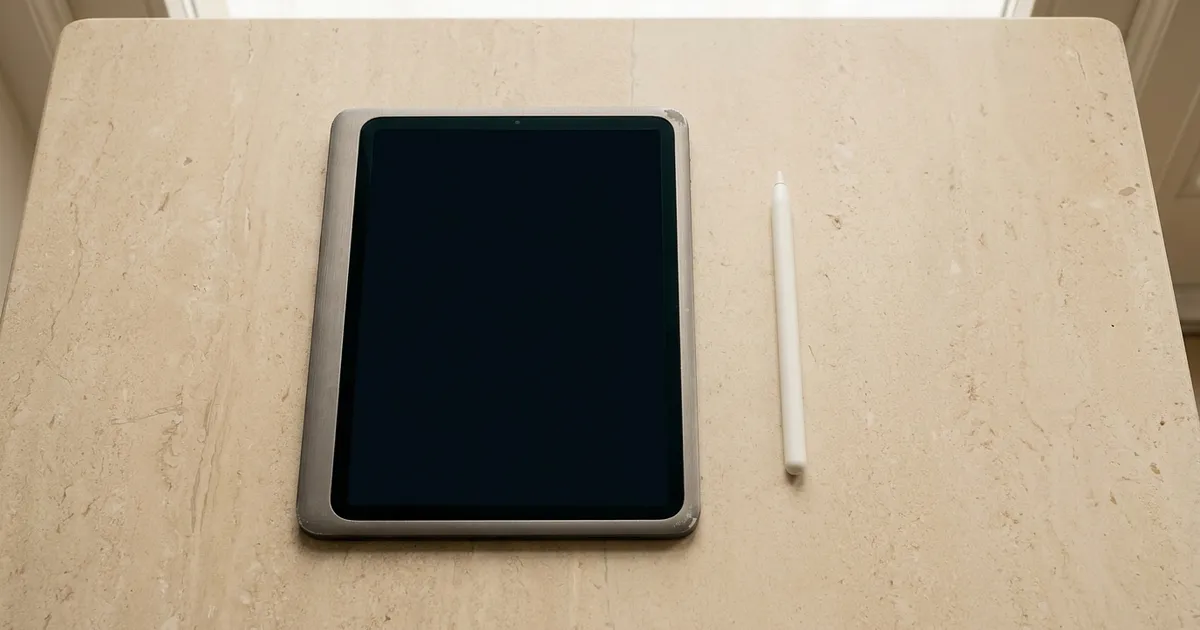
A used-iPad listing often gives you too little to go on. For Apple Pencil compatibility, the exact model matters: “iPad Pro” or “10.2-inch iPad” still doesn't tell you which Pencil works. Near-identical generations can support different variants. Before buying, trust the model number rather than the magnet on the side.
Find the exact iPad first
Open Settings > General > About. The Model Number field initially shows a part number; tap it once to reveal the model number you need. Apple's model-number guide explains that step, while Identify your iPad model maps the number to the correct generation.
If a listing says only “iPad Air” or gives a screen size, ask for the generation or model number. Still choosing the tablet itself? The refurbished iPad buying guide covers the broader purchase, while the comparison of which refurbished iPad generation is still worth buying helps narrow down the model. Once that's settled, you can match the Pencil.
Apple Pencil compatibility by model
Checked on 19 October 2026, this matrix follows Apple's compatibility list, published on 10 March 2026.
| Pencil | Compatible iPads | Pairing and charging |
|---|---|---|
| Apple Pencil Pro | iPad Pro 13-inch (M4, M5); iPad Pro 11-inch (M4, M5); iPad Air 13-inch (M2, M3, M4); iPad Air 11-inch (M2, M3, M4); iPad mini (A17 Pro) | Magnetically on the long side; iPadOS 17.5 or later |
| Apple Pencil (USB-C) | iPad Pro 13-inch (M4, M5); iPad Pro 11-inch (M4, M5, and 1st, 2nd, 3rd, 4th generation); iPad Pro 12.9-inch (3rd, 4th, 5th, 6th generation); iPad Air 13-inch (M2, M3, M4); iPad Air 11-inch (M2, M3, M4); iPad Air (4th, 5th generation); iPad (A16); iPad (10th generation); iPad mini (A17 Pro); iPad mini (6th generation) | USB-C cable; iPadOS 17.1.1 or later |
| Apple Pencil (2nd generation) | iPad mini (6th generation); iPad Air (4th, 5th generation); iPad Pro 12.9-inch (3rd, 4th, 5th, 6th generation); iPad Pro 11-inch (1st, 2nd, 3rd, 4th generation) | Magnetically on the side |
| Apple Pencil (1st generation) | iPad mini (5th generation); iPad (6th, 7th, 8th, 9th generation); iPad (A16); iPad (10th generation); iPad Air (3rd generation); iPad Pro 12.9-inch (1st, 2nd generation); iPad Pro 10.5-inch; iPad Pro 9.7-inch | Lightning, or USB-C to Apple Pencil Adapter plus USB-C cable for iPad (A16) and iPad (10th generation) |
One nasty little exception: an 11-inch iPad Pro with M4 or M5 takes Pencil Pro or USB-C, not Apple Pencil (2nd generation). Newer doesn't guarantee support for the previous premium Pencil.
Magnetic attachment doesn't always mean charging
Pencil Pro and Apple Pencil (2nd generation) pair and charge on the magnetic connector of their compatible iPads. The USB-C Pencil attaches there for storage only; it needs a USB-C cable for pairing and power. Apple's Pencil comparison also shows that this model has no pressure sensitivity.
With Apple Pencil (1st generation), check what's included in the sale. For iPad (A16) and iPad (10th generation), Apple's pairing and charging guide requires the USB-C to Apple Pencil Adapter and a cable. Without that adapter, the combination is officially compatible but can't be set up as intended.
Frequently Asked Questions
Which Apple Pencil works with my iPad?
The exact iPad generation or model number decides. Find it under Settings > General > About and compare it with Apple's list. Screen size and a magnetic attachment test aren't enough.
Does Apple Pencil (USB-C) charge magnetically?
No. It attaches magnetically to compatible iPads for storage. Pairing and charging use a USB-C cable.
Does Apple Pencil (1st generation) need an adapter with iPad 10?
Yes. iPad (10th generation) and iPad (A16) need the USB-C to Apple Pencil Adapter and a USB-C cable for pairing and charging.