Refurbished import iPhone: Check the SIM setup before buying
 3 min read
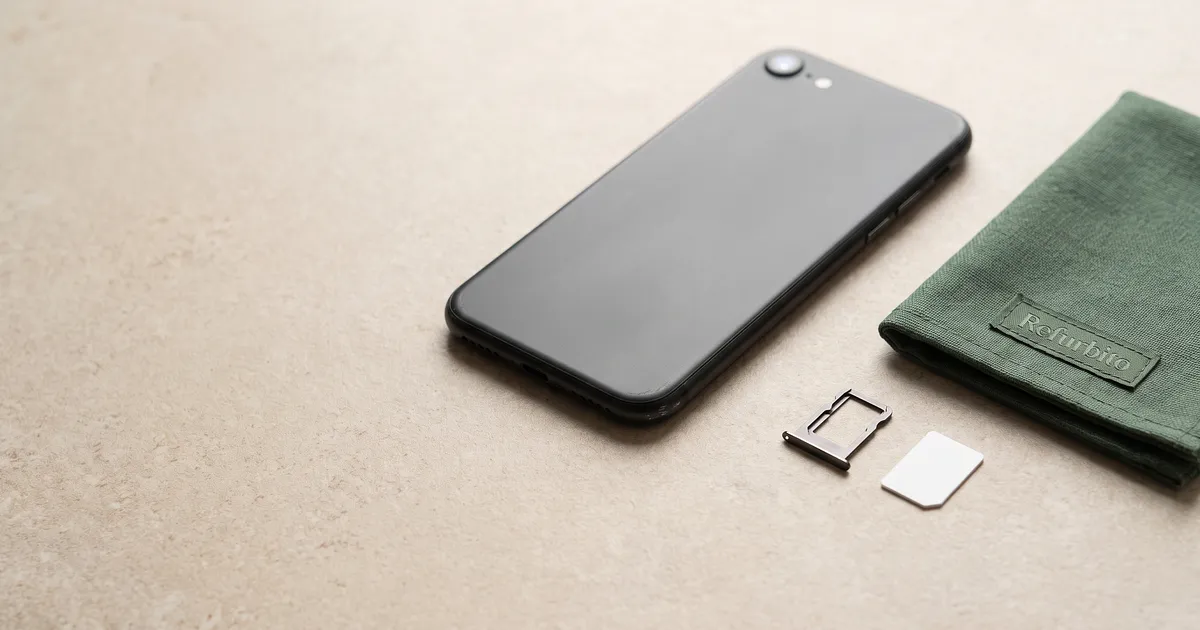
Before buying a refurbished import iPhone, check its SIM hardware. An imported handset can look identical to the local model but use a different SIM setup. You might notice only after delivery, when your nano-SIM has nowhere to go.
Get the A-model number before comparing prices
“EU model” or “US version” in a listing isn't enough. Ask the seller for a screenshot from Settings > General > About. The Model Number field initially shows the part number. Apple's instructions say to tap it to reveal the A-number.
A clear request avoids another round of messages: “Please send a screenshot after tapping Model Number, with Axxxx visible. Please redact the IMEI and serial number first.”
SIM hardware on the base iPhone 16
These are three selected examples, not a complete variant list. Apple's identification list also lists A3286. Checked 22 October 2026, and limited to the base iPhone 16:
| A-model | Region checked | SIM setup listed by Apple |
|---|---|---|
| A3081 | United States and Puerto Rico | Dual eSIM, no physical SIM |
| A3287 | Germany, Apple country page checked | Nano-SIM plus eSIM, with dual eSIM support |
| A3288 | Hong Kong | Dual nano-SIM |
Apple's identification list maps A3287 more broadly to “other countries and regions.” The table doesn't claim it is exclusive to Germany. Nor does the Hong Kong page prove every mainland China setup or anything about another iPhone generation.
Check hardware, lock status and your plan separately
The A-number identifies the hardware variant. Our broader refurbished iPhone buying framework covers model, condition and seller.
Carrier Lock should say “No SIM restrictions.” Apple's unlock guide explains this check. A missing tray still isn't proof of a carrier lock.
If the phone is A3081, ask your carrier before buying whether your current plan can be activated or transferred as an eSIM. After delivery, the IMEI and Activation Lock checks remain separate. The general refurbished iPhone checklist still applies too.
Frequently Asked Questions
Does every US iPhone lack a SIM tray?
No. This finding is limited to the base iPhone 16 A3081 sold in the United States and Puerto Rico. For another generation or model variant, match its exact A-number against Apple's current specifications.
Does “No SIM restrictions” mean a nano-SIM will fit?
No. That message confirms the phone has no carrier lock. It doesn't prove that a physical SIM tray exists. An unlocked base iPhone 16 A3081 still uses eSIM rather than a plastic SIM card.
What should the seller photograph?
Ask for Settings > General > About after the seller taps the initially displayed part number so the Axxxx model number appears. The Carrier Lock line is useful too. The seller should redact the IMEI and serial number.